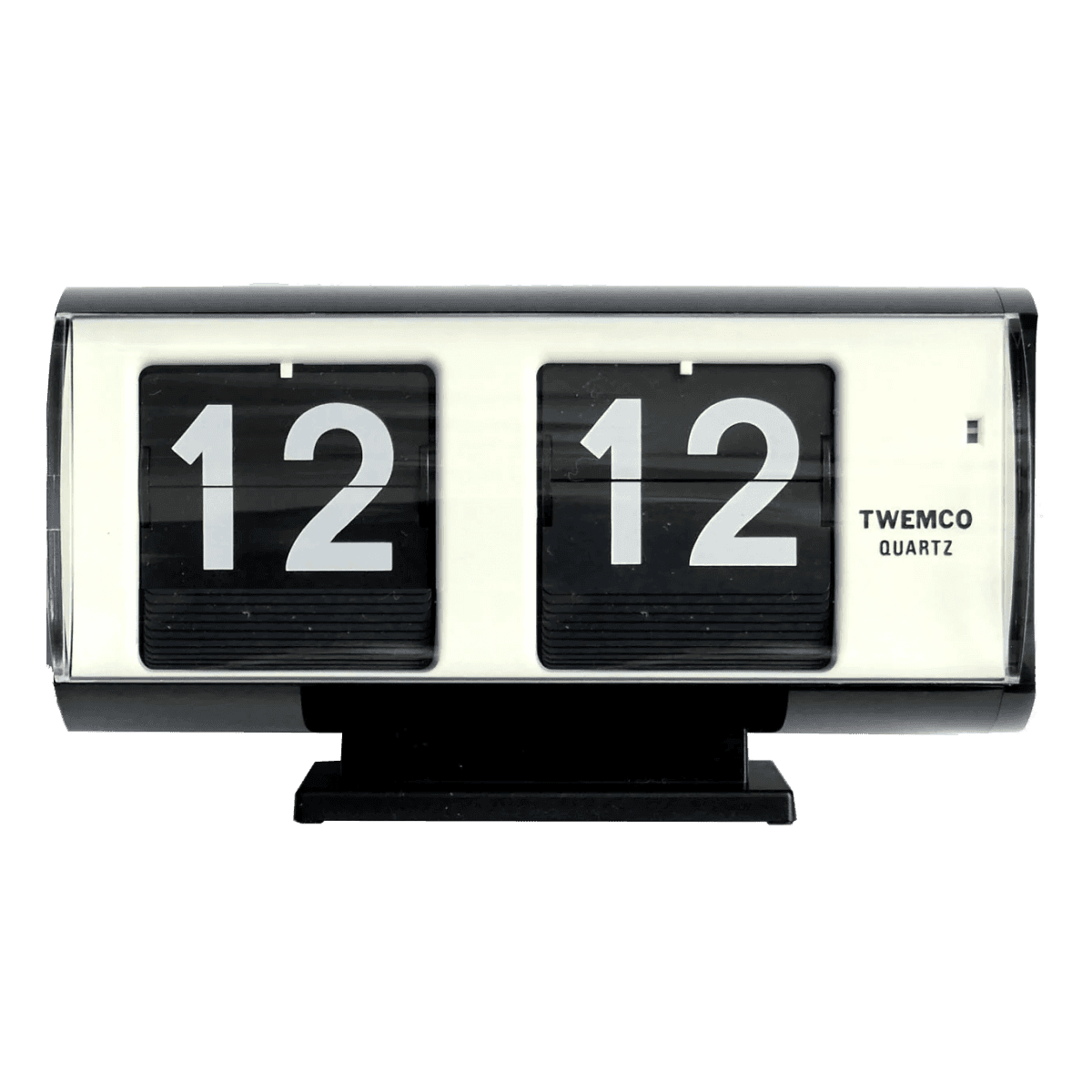
Twemco Clock
Clock
import {ProductCard,ProductCardContent,ProductCardHeader,ProductCardImage,ProductCardMetric,ProductCardSubtitle,ProductCardTitle,} from "@/components/ui/product-card";export default function ProductCardDemo() {return (<ProductCard><ProductCardImage src="/images/products/twemco-clock.png" alt="Twemco Clock" /><ProductCardContent><ProductCardHeader><ProductCardTitle>Twemco Clock</ProductCardTitle><ProductCardSubtitle>Clock</ProductCardSubtitle></ProductCardHeader><ProductCardMetric>$219</ProductCardMetric></ProductCardContent></ProductCard>);}
Installation
npx shadcn@latest add https://www.deltacomponents.dev/r/product-card.json
Usage
1import {2 ProductCard,3 ProductCardContent,4 ProductCardHeader,5 ProductCardMetric,6 ProductCardSubtitle,7 ProductCardTitle,8} from "@/components/ui/product-card";910<ProductCard>11 <ProductCardContent>12 <ProductCardHeader>13 <ProductCardTitle>Twemco Clock</ProductCardTitle>14 <ProductCardSubtitle>Clock</ProductCardSubtitle>15 </ProductCardHeader>16 <ProductCardMetric>$219</ProductCardMetric>17 </ProductCardContent>18</ProductCard>
Basic
Twemco Clock
Clock
import {ProductCard,ProductCardContent,ProductCardHeader,ProductCardImage,ProductCardMetric,ProductCardSubtitle,ProductCardTitle,} from "@/components/ui/product-card";export default function ProductCardBasic() {return (<ProductCard><ProductCardImage src="/images/products/twemco-clock.png" alt="Twemco Clock" /><ProductCardContent><ProductCardHeader><ProductCardTitle>Twemco Clock</ProductCardTitle><ProductCardSubtitle>Clock</ProductCardSubtitle></ProductCardHeader><ProductCardMetric>$219</ProductCardMetric></ProductCardContent></ProductCard>);}
Inner layout
Twemco Clock
Clock
import {ProductCard,ProductCardContent,ProductCardHeader,ProductCardImage,ProductCardMetric,ProductCardSubtitle,ProductCardTitle,} from "@/components/ui/product-card";export default function ProductCardInner() {return (<ProductCard variant="inner"><ProductCardImage src="/images/products/twemco-clock.png" alt="Twemco Clock"><ProductCardContent><ProductCardHeader><ProductCardTitle>Twemco Clock</ProductCardTitle><ProductCardSubtitle>Clock</ProductCardSubtitle></ProductCardHeader><ProductCardMetric>$219</ProductCardMetric></ProductCardContent></ProductCardImage></ProductCard>);}
Sizes

Analogue Pocket
Gaming Console
import { useState } from "react";import {ProductCard,ProductCardContent,ProductCardHeader,ProductCardImage,ProductCardMetric,ProductCardSubtitle,ProductCardTitle,} from "@/components/ui/product-card";export default function ProductCardSizes() {const [size, setSize] = useState<"sm" | "default" | "lg">("lg");return (<div className="flex w-full flex-col items-center gap-5"><ProductCard size={size}><ProductCardImage src="/images/products/analogue-pocket.webp" alt="Analogue Pocket" /><ProductCardContent><ProductCardHeader><ProductCardTitle>Analogue Pocket</ProductCardTitle><ProductCardSubtitle>Gaming Console</ProductCardSubtitle></ProductCardHeader><ProductCardMetric>$219</ProductCardMetric></ProductCardContent></ProductCard>{/* A bare <select>, not the library's — the point of this demo is thecard reacting to `size`, and a native control keeps the surroundingchrome out of the way. */}<label className="text-caption text-muted-foreground flex items-center gap-2">Size<selectvalue={size}onChange={(e) => setSize(e.target.value as "sm" | "default" | "lg")}className="border-border bg-background text-foreground text-caption rounded-md border px-2 py-1 outline-none focus-visible:ring-1 focus-visible:ring-[color:var(--focus-ring,#6B97FF)]"><option value="sm">sm</option><option value="default">default</option><option value="lg">lg</option>
Grid
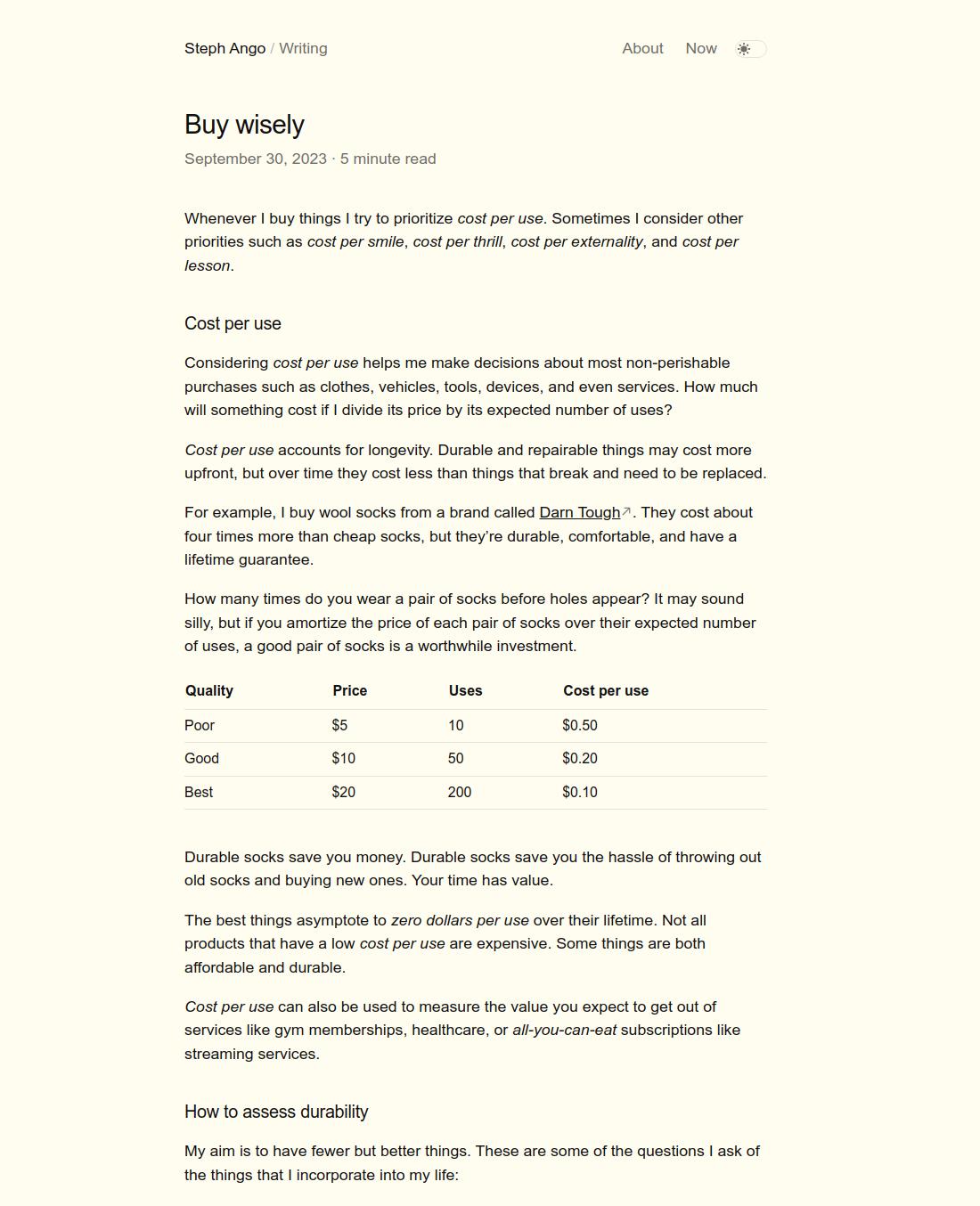
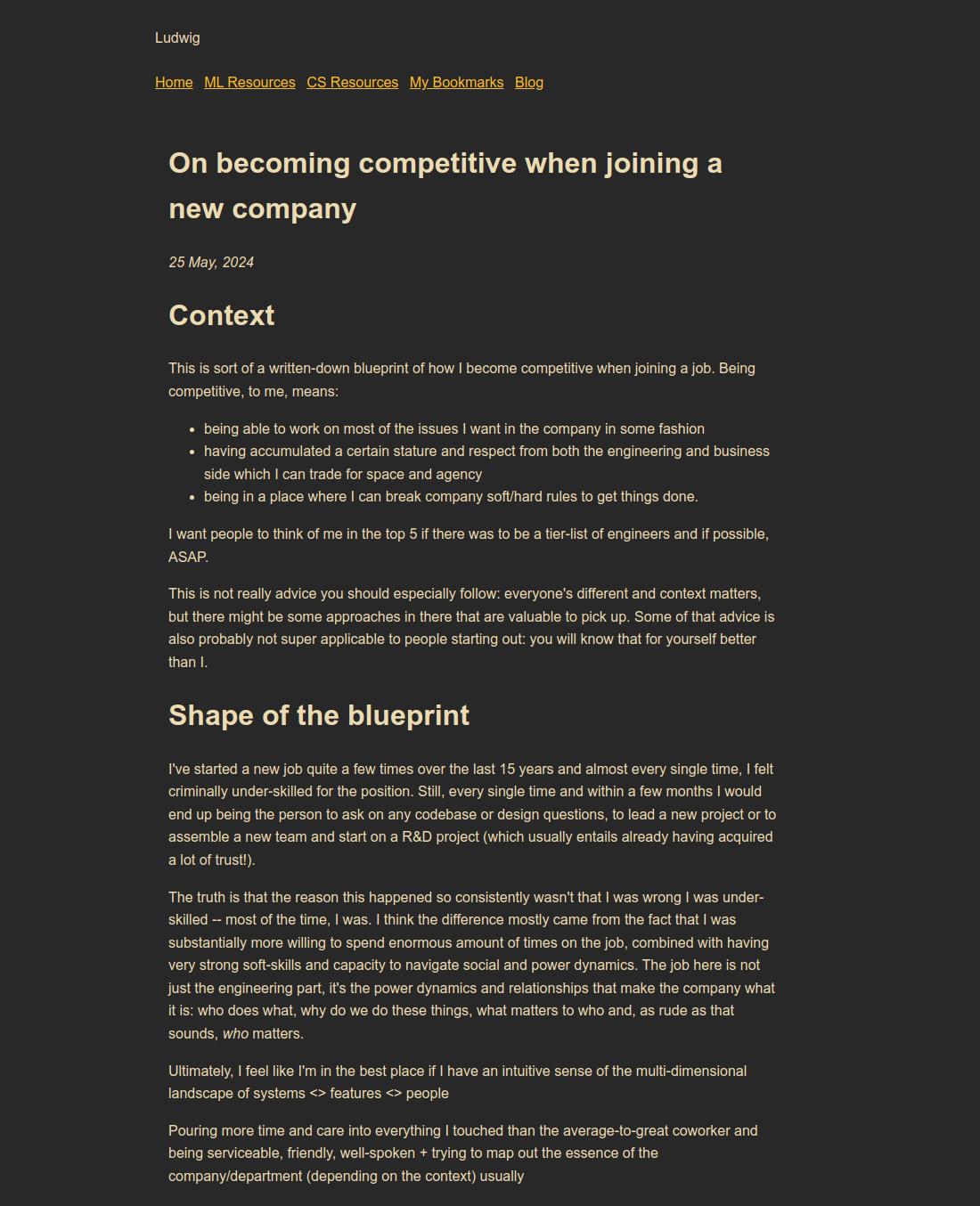
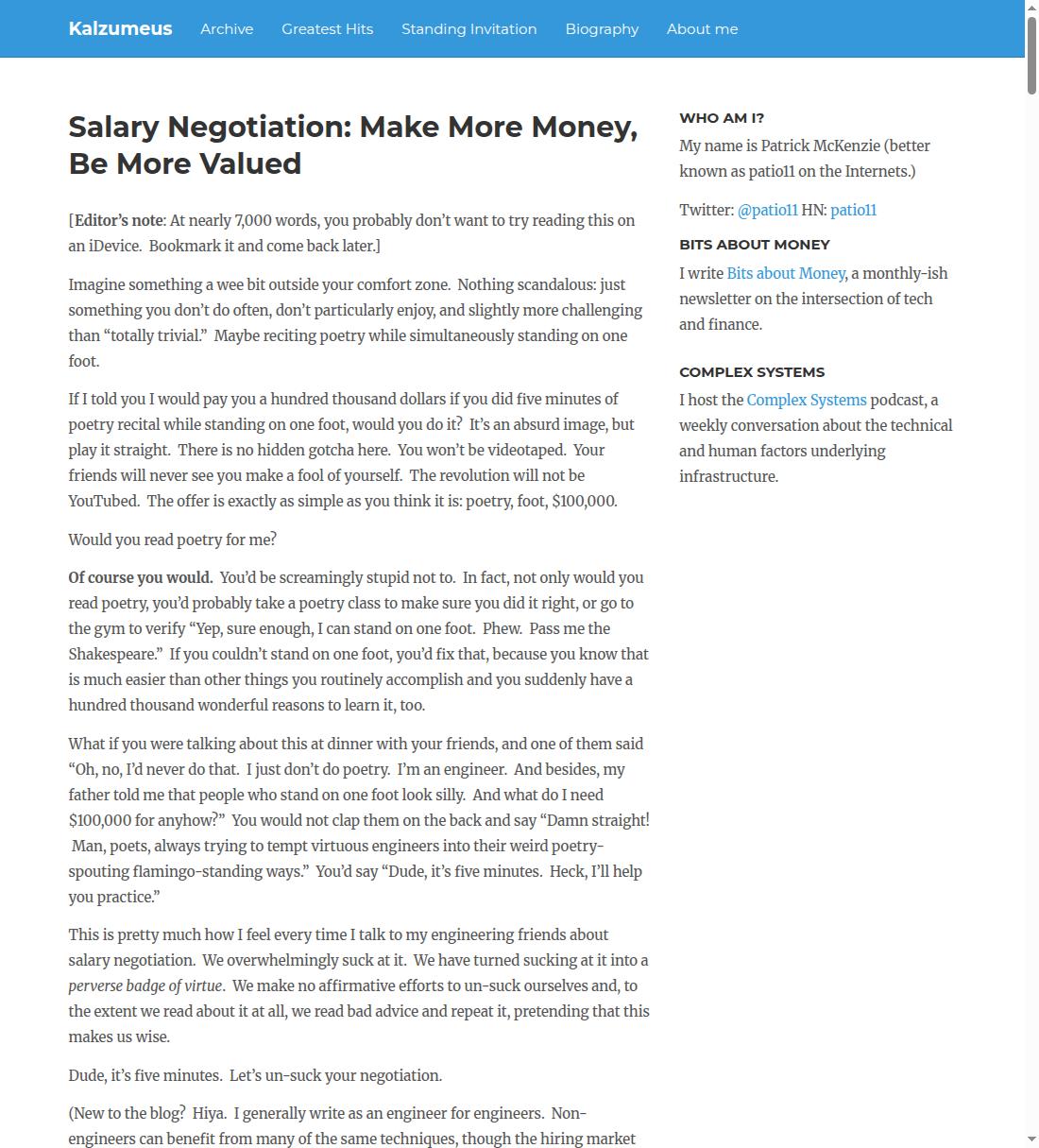
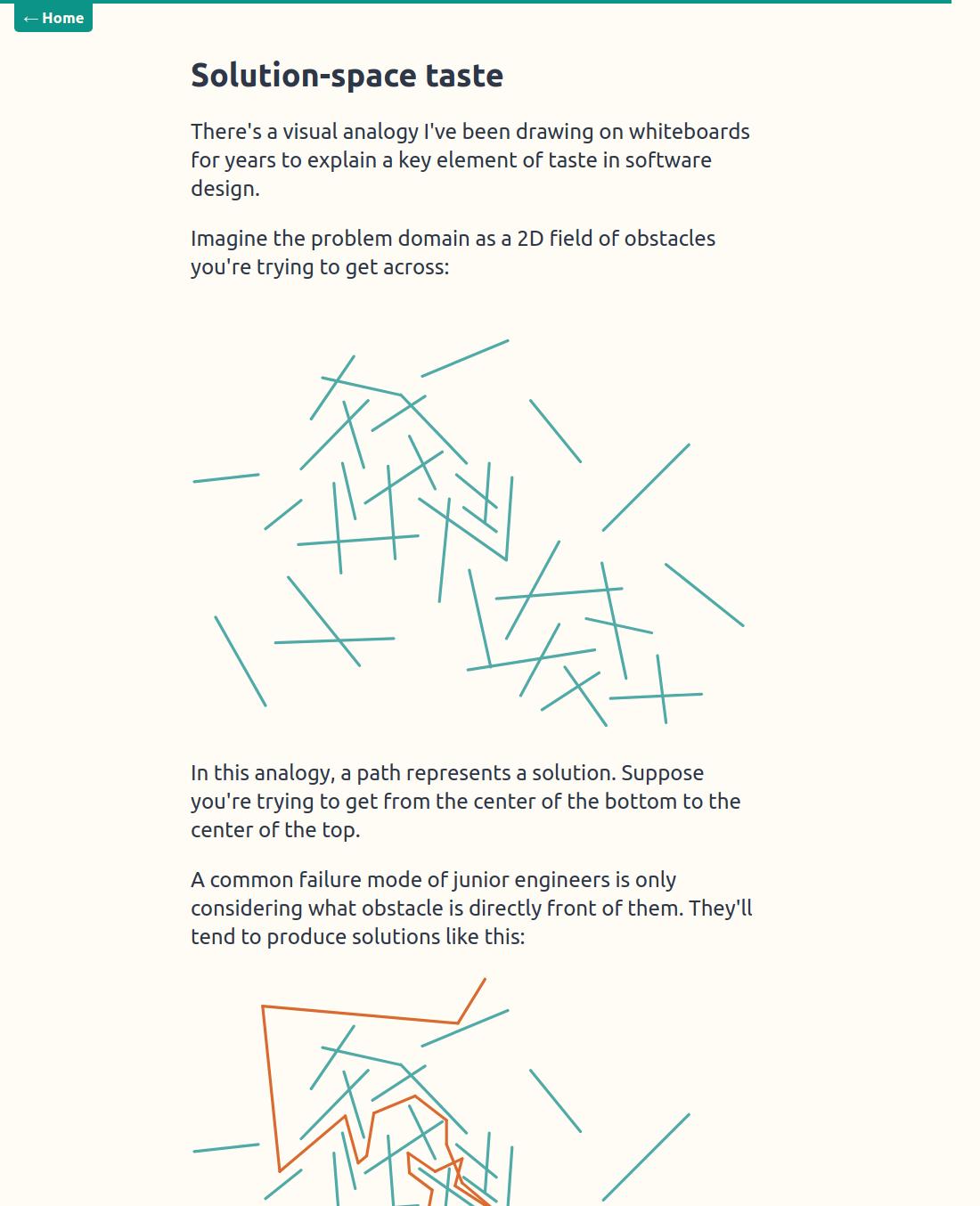
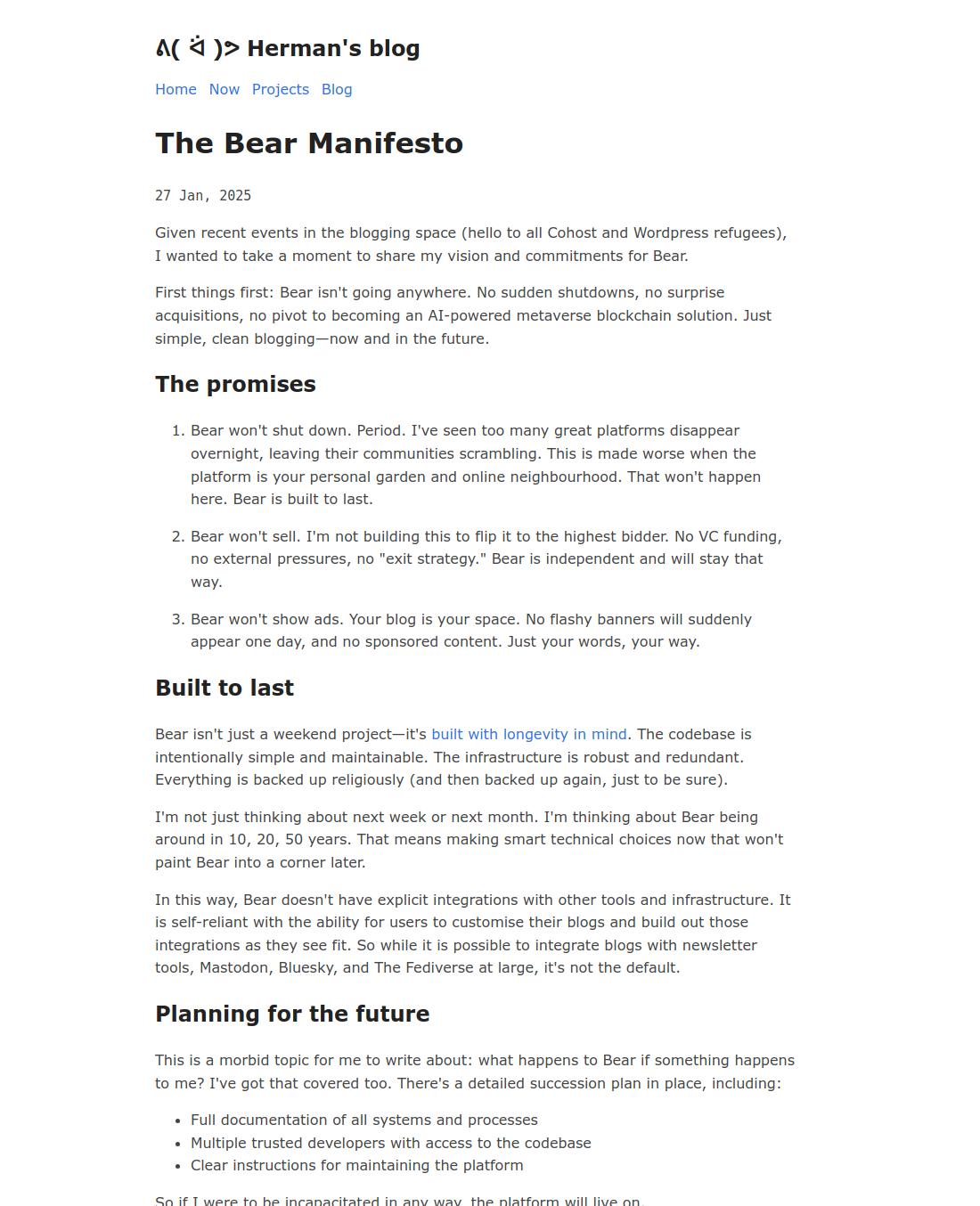
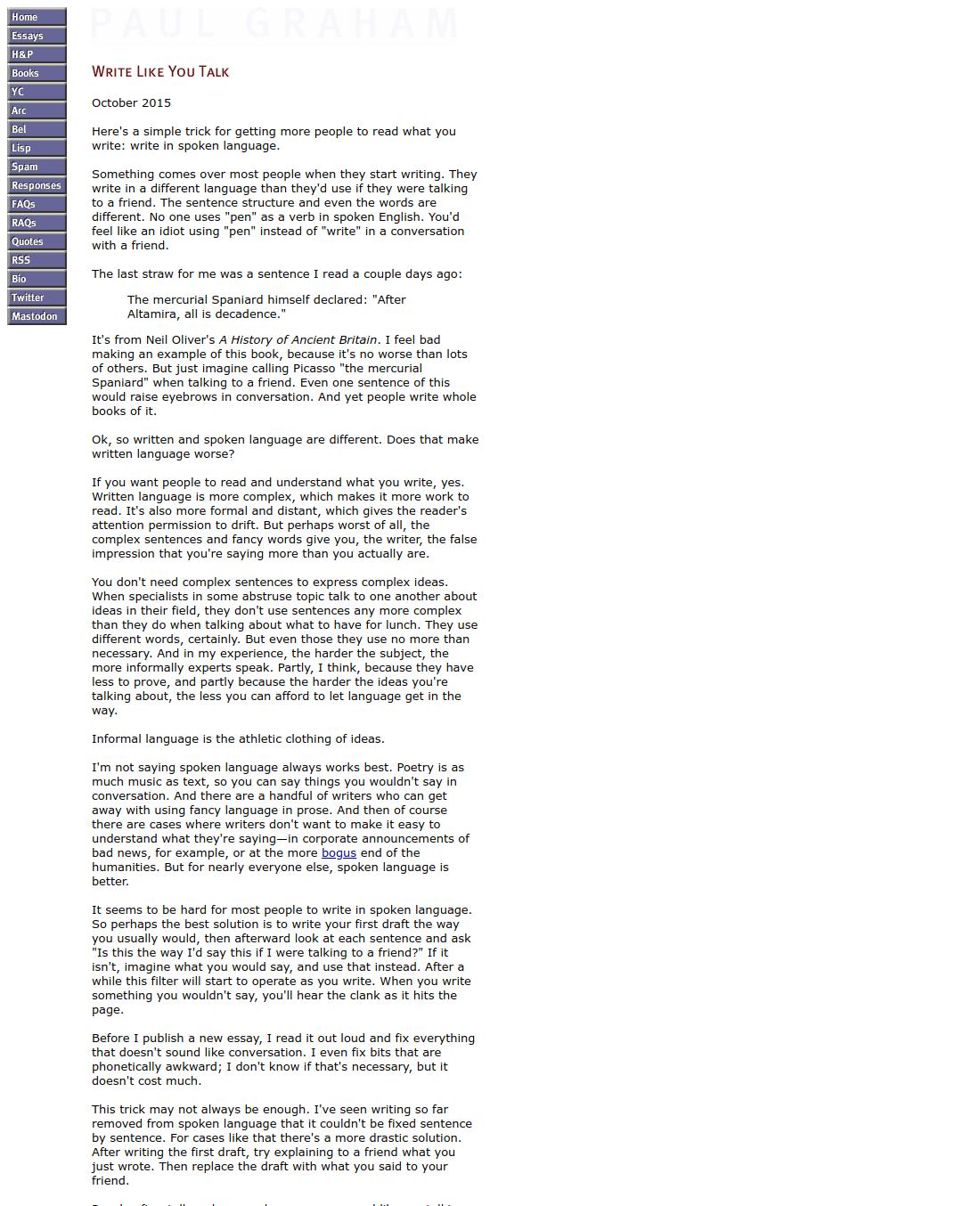
import {ProductCard,ProductCardContent,ProductCardHeader,ProductCardImage,ProductCardSubtitle,ProductCardTitle,} from "@/components/ui/product-card";/** The essay row — the images ship with the repo, and each card links out to* the essay it is a screenshot of. */const ESSAYS = [{ title: "Buy Wisely", author: "Steph Ango", image: "/images/essays/buy-wisely.jpg", url: "https://stephango.com/buy-wisely" },{ title: "On Becoming Competitive", author: "Ludwig", image: "/images/essays/on-becoming-competitive.jpg", url: "https://ludwigabap.bearblog.dev/on-becoming-competitive-when-joining-a-new-company/" },{ title: "Salary Negotiations", author: "Patrick McKenzie", image: "/images/essays/salary-negotiations.jpg", url: "https://www.kalzumeus.com/2012/01/23/salary-negotiation/" },{ title: "Solution Space & Taste", author: "Grant Slatton", image: "/images/essays/solution-space-taste.jpg", url: "https://grantslatton.com/solution-space-taste" },{ title: "The Bear Manifesto", author: "Herman", image: "/images/essays/the-bear-manifesto.jpg", url: "https://herman.bearblog.dev/manifesto/" },{ title: "Write Like You Talk", author: "Paul Graham", image: "/images/essays/write-like-you-talk.jpg", url: "https://paulgraham.com/talk.html" },];export default function ProductCardGrid() {return (<div className="grid w-full grid-cols-2 gap-5 sm:grid-cols-3">{ESSAYS.map((essay) => (<akey={essay.title}href={essay.url}target="_blank"rel="noopener noreferrer"className="rounded outline-none focus-visible:ring-1 focus-visible:ring-[color:var(--focus-ring,#6B97FF)] focus-visible:ring-offset-2"><ProductCard className="w-full max-w-none rounded-none"><ProductCardImage src={essay.image} alt={essay.title} className="rounded-none" /><ProductCardContent><ProductCardHeader><ProductCardTitle>{essay.title}</ProductCardTitle><ProductCardSubtitle>by {essay.author}</ProductCardSubtitle></ProductCardHeader></ProductCardContent></ProductCard>
Animated images
A GIF has no play control, so a card that should be still until you point at it swaps the source instead: a still frame at rest, the animation from frame one on hover. The handlers reach the well because every part of the card spreads the DOM props it is given.

Hitmontop
Fighting type
import { useState } from "react";import {ProductCard,ProductCardContent,ProductCardHeader,ProductCardImage,ProductCardMetric,ProductCardSubtitle,ProductCardTitle,} from "@/components/ui/product-card";const STILL = "/images/products/hitmontop-still.png";const ANIMATED = "/images/products/hitmontop.gif";export default function ProductCardAnimated() {// A GIF has no play control, so swapping the source is the whole trick: the// still frame rests, the animation starts from frame one on every hover.// The handlers reach the image well because it spreads the DOM props it is// given, like every other part of the card.const [playing, setPlaying] = useState(false);return (<ProductCard><ProductCardImagesrc={playing ? ANIMATED : STILL}alt="Hitmontop"// Sits the sprite in a little further than the size step's own p-8.imageClassName="p-12"onMouseEnter={() => setPlaying(true)}onMouseLeave={() => setPlaying(false)}/><ProductCardContent><ProductCardHeader><ProductCardTitle>Hitmontop</ProductCardTitle><ProductCardSubtitle>Fighting type</ProductCardSubtitle></ProductCardHeader><ProductCardMetric>#237</ProductCardMetric></ProductCardContent></ProductCard>);
Preparing images
The best product images are ones cut out from their background.
On macOS, right-click the file in Finder and choose Quick Actions → Remove Background. If it isn't there, add it under Customize — see Apple's guide to Quick Actions in the Finder.
Override Styling
Every part takes its own className, merged last through tailwind-merge, so a
utility that conflicts with a default replaces it instead of stacking with it.
The card's type size is set once on the root and inherited by the title,
subtitle and metric, so one text-* moves the whole block.
Twemco Clock
Desk clock
import {ProductCard,ProductCardContent,ProductCardHeader,ProductCardImage,ProductCardMetric,ProductCardSubtitle,ProductCardTitle,} from "@/components/ui/product-card";export default function ProductCardOverrideStyling() {return (// The same card fitted to another design system: a bordered tile with an// inset well. The root's 8px padding and 16px corner make the well's own// corner 8px, so the two stay concentric.<ProductCard className="border-border/60 bg-card rounded-2xl border p-2"><ProductCardImagesrc="/images/products/twemco-clock.png"alt="Twemco Clock"// Corner only: the well keeps the component's own `bg-muted` ground,// the same one every other card on this page rests on.className="rounded-lg"/><ProductCardContent className="px-1 pt-3 pb-1"><ProductCardHeader><ProductCardTitle className="font-semibold tracking-tight">Twemco Clock</ProductCardTitle><ProductCardSubtitle className="text-[0.85em] tracking-wider uppercase">Desk clock</ProductCardSubtitle></ProductCardHeader><ProductCardMetric className="tabular-nums">$219</ProductCardMetric></ProductCardContent></ProductCard>);}
Parts you hold no reference to are reachable by data-slot:
size caps the card's width; a w-* or max-w-* in className overrides that
cap outright, which is what the grid above relies on.
The image well's resting ground and its mouse-enter ground are two separate
utilities. Passing bg-stone-200 alone leaves the component's own
hover:bg-muted/80 in charge from the moment the pointer arrives, so recolour
both: bg-stone-200 hover:bg-stone-300.
Accessibility
The root is a div, not a control. Passing onClick gives it a pointer cursor
but no keyboard access — for a card that must be reachable by keyboard, put a
real <a> or <button> on the title and stretch it over the card with
after:absolute after:inset-0, the way the grid example wraps each card in a
link, which nesting a control inside role="button" would not allow.